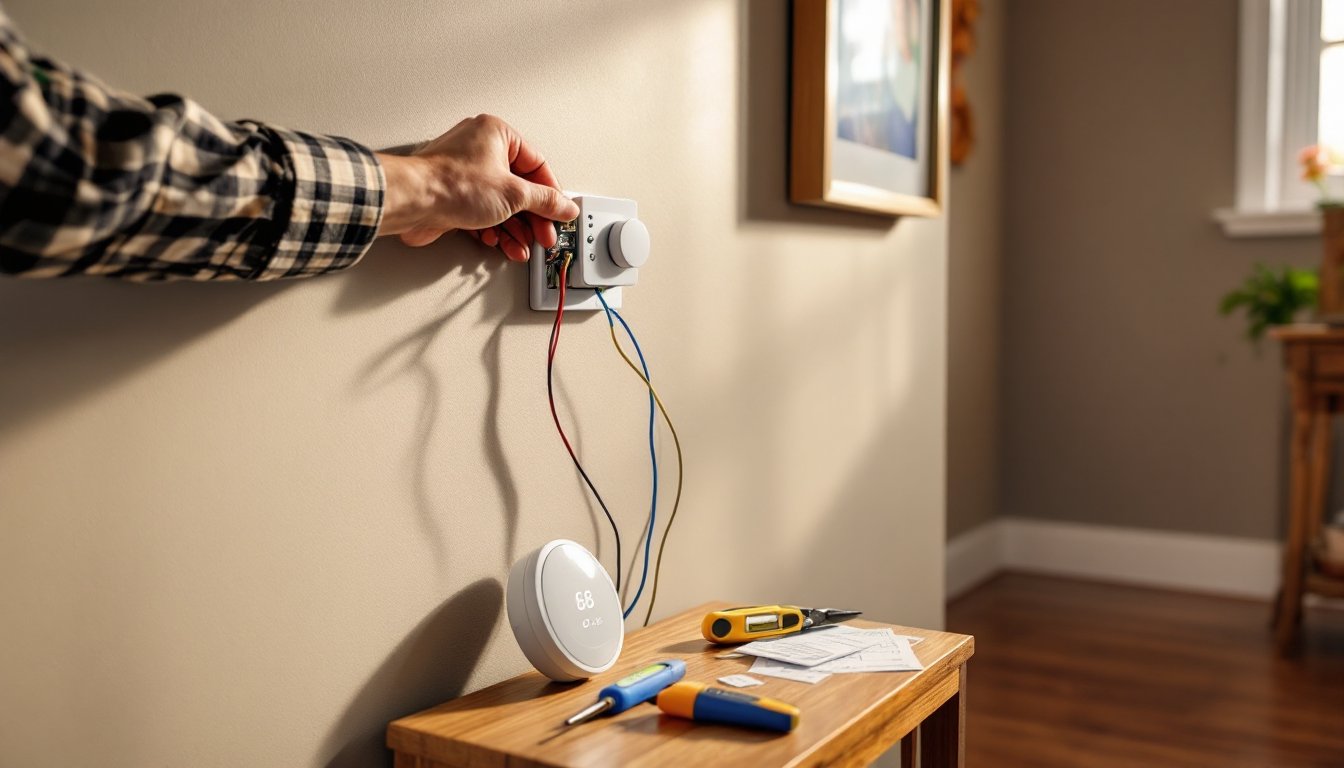
Home security shouldn’t require a second mortgage or a degree in electrical engineering. The SimpliSafe Glass Break Sensor offers a straightforward way to add an extra layer of protection to windows and sliding doors, particularly vulnerable entry points in most homes. Unlike contact sensors that only trigger when a door or window physically opens, glass break sensors detect the sound frequency of shattering glass, catching intrusions before an intruder fully enters. This guide walks through everything homeowners need to know about SimpliSafe’s offering: how it works, where to place it, what it costs, and whether it’s worth adding to a security setup.
Table of Contents
ToggleKey Takeaways
- The SimpliSafe Glass Break Sensor detects shattering glass through acoustic pattern recognition, covering up to 25 feet with a 160-degree field to monitor multiple windows in a single room.
- Installation requires no hardwiring or electrical expertise—simply mount the sensor with adhesive strips or screws and pair it to the base station using the SimpliSafe app in under 15 minutes.
- Position the sensor on an interior wall facing windows directly, away from noisy appliances and obstructions, for optimal detection accuracy and minimal false alarms.
- At $34.99 per unit, the SimpliSafe Glass Break Sensor offers better value than contact sensors for rooms with multiple windows, especially in open-concept spaces.
- The sensor runs on a CR-123A battery lasting 3-4 years in real-world use and communicates wirelessly within 2 seconds of detecting glass breakage to trigger alerts or dispatch alerts.
What Is the SimpliSafe Glass Break Sensor and How Does It Work?
The SimpliSafe Glass Break Sensor is an audio-based detection device that listens for the specific acoustic signature of breaking glass. It doesn’t rely on vibration or physical contact: instead, it uses a microphone tuned to recognize the sharp, high-frequency sound created when glass fractures.
When glass breaks, it produces a distinct two-part sound: the initial impact, followed by the tinkling cascade of shards hitting the floor. SimpliSafe’s sensor analyzes both components using acoustic pattern recognition to minimize false alarms from dropped dishes or loud music. The device communicates wirelessly with the SimpliSafe Base Station using a proprietary RF signal at 433.92 MHz, which is more reliable than Wi-Fi in avoiding interference from other household devices.
Each sensor covers up to 25 feet in a 160-degree field, meaning one unit can monitor multiple windows in a single room. That’s a significant advantage over individual contact sensors for spaces with bay windows, picture windows, or sliding glass doors. The sensor runs on a CR-123A lithium battery (the same type used in many photo cameras), which SimpliSafe estimates will last 3-5 years under normal use. The system sends a low-battery alert through the app well before power runs out, so there’s no guessing.
Key Features That Set SimpliSafe’s Glass Break Sensor Apart
SimpliSafe’s glass break sensor isn’t the only option on the market, but it brings a few practical strengths that appeal to DIYers and security-conscious homeowners.
No hardwiring required. Installation takes minutes, not hours. There’s no need to fish wires through walls or hire an electrician. The sensor mounts with adhesive strips or two screws, and it pairs with the base station in seconds.
Wide coverage area. One sensor monitoring 25 feet means fewer devices to buy and maintain. In a typical living room with three windows, a single unit positioned centrally can cover all of them, whereas contact sensors require one per opening.
Dual-mode detection. The sensor listens for both the impact thud and the subsequent shattering sound. This two-stage analysis significantly cuts down on false positives. A basketball bouncing against a window or a door slamming won’t trip it.
Mobile alerts and integration. When the sensor triggers, the SimpliSafe app pushes a notification to a smartphone within seconds. If monitoring service is active, the system can also alert SimpliSafe’s dispatch center, which contacts the homeowner and, if needed, local authorities.
Test mode. SimpliSafe includes a test function that lets users verify sensor placement without setting off the full alarm. This is particularly useful during installation, no need to actually break glass to confirm it’s working. Many smart home technology products now include similar diagnostic features, but it’s still a welcome inclusion in an entry-level system.
Installation Made Easy: Setting Up Your Glass Break Sensor
Installing the SimpliSafe Glass Break Sensor doesn’t require a toolbox full of gear. Here’s what’s needed:
Materials & Tools:
- SimpliSafe Glass Break Sensor (included battery)
- Mounting adhesive strips (included) or two #6 x 1-inch screws and wall anchors for drywall
- Screwdriver (Phillips head)
- Smartphone with SimpliSafe app installed
Step-by-step installation:
- Power on the sensor. Pull the plastic battery tab from the back of the unit. The LED on the front will flash, indicating it’s ready to pair.
- Open the SimpliSafe app and navigate to “Devices,” then select “Add Device.” Choose “Glass Break Sensor” from the list.
- Pair the sensor. Follow the on-screen prompts. The app will detect the sensor automatically within a few seconds.
- Mount the sensor. Position it on a wall opposite the windows, ideally at the same height as the window panes (typically 4-6 feet from the floor). The sensor should face the glass directly, not at an angle. Use the adhesive strips for drywall or plaster, or screws for more permanent mounting on studs.
- Run a test. Use the app’s test mode and clap your hands sharply or tap a drinking glass with a metal spoon near the window. The sensor should register the sound. If it doesn’t, adjust placement or angle.
Installation typically takes 10-15 minutes per sensor, including pairing and testing.
Optimal Placement Tips for Maximum Coverage
Placement makes or breaks performance, literally. A poorly positioned sensor can miss break-ins or trigger false alarms.
Mount on an interior wall facing the windows. Don’t place the sensor on the window itself or on an exterior wall behind heavy curtains. Sound travels best through open air.
Avoid obstructions. Large furniture, thick drapes, or bookshelves between the sensor and windows can muffle sound. Maintain a clear line of sight (or rather, line of sound) to the glass.
Keep it away from noisy appliances. Don’t mount near HVAC vents, speakers, or washing machines. Constant background noise can interfere with detection or drain the battery faster as the sensor works overtime filtering sounds.
One sensor per room is usually enough. In an open-concept space with windows on multiple walls, position the sensor centrally. For separated rooms, use individual sensors.
Test after furniture moves. Rearranging a room can block sound paths. Retest the sensor anytime major furniture shifts.
Real-World Performance: What to Expect from Your Sensor
SimpliSafe’s glass break sensor performs reliably in typical residential settings, but it’s not magic. Understanding its limitations helps set realistic expectations.
Detection accuracy is solid for standard window glass, single-pane, double-pane, tempered, or laminated. In testing scenarios, the sensor consistently picks up the sound of breaking glass within its 25-foot range. But, triple-pane or acoustic-dampening glass (common in high-end or noise-reduction windows) may muffle the sound enough to reduce detection reliability. Homeowners with specialty glazing should run extra tests during installation or consider adding contact sensors as backup.
False alarms are rare but not impossible. The dual-detection algorithm does a good job filtering out everyday noises. Dropped dishes, clanging pots, and even fireworks outside typically don’t trigger the sensor. That said, extremely loud, sharp sounds, like a car backfiring directly outside a window, might occasionally trip it. According to product testing by Good Housekeeping, false alarm rates for quality glass break sensors remain below 2% in controlled environments.
Response time is nearly instantaneous. Once glass breaks, the sensor communicates with the base station in under 2 seconds, and the alarm activates immediately (or, in “home” mode, sends a notification). That’s faster than most contact sensors, which require the intruder to fully open the window or door.
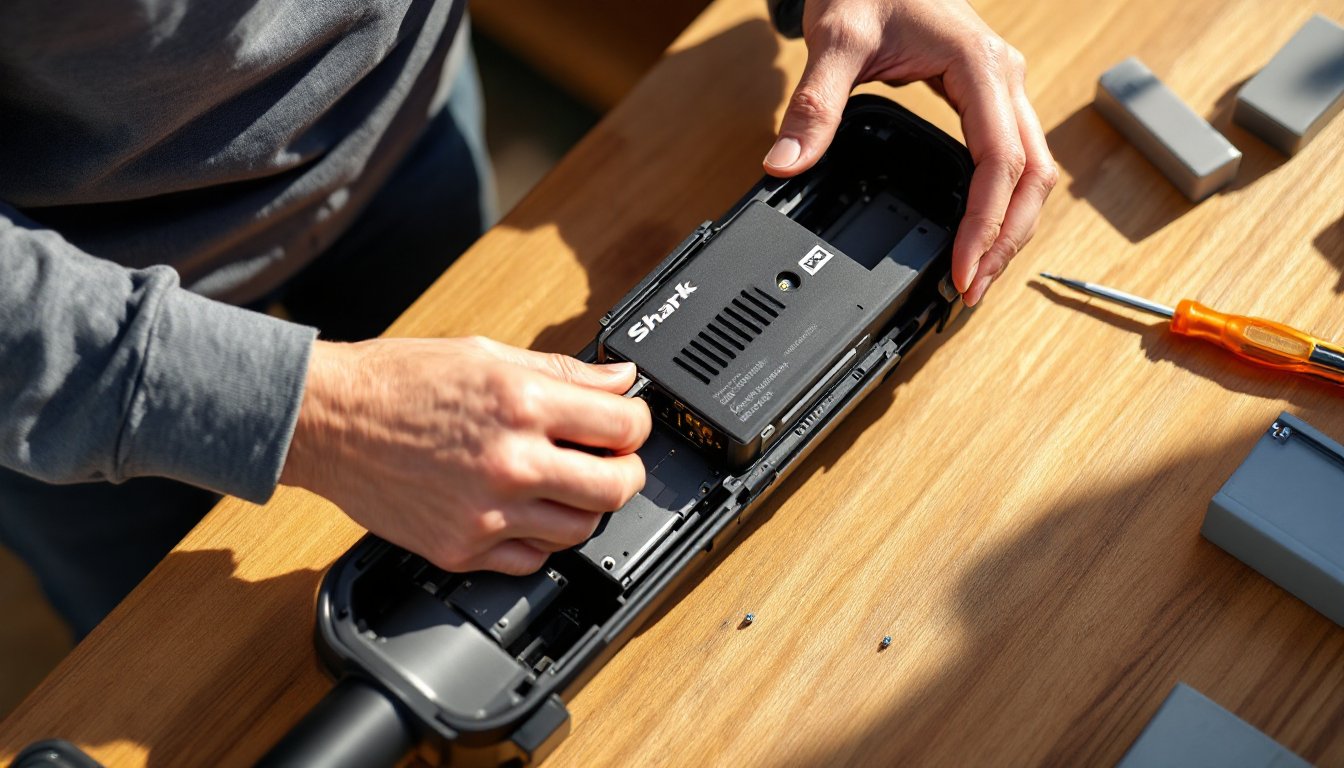
Battery life holds up. In real-world use, the CR-123A battery lasts closer to 3-4 years rather than the advertised five, especially in homes with frequent loud noises (kids, pets, TVs). Replacing the battery is straightforward: pop off the back cover, swap the old cell, and reattach. No re-pairing needed.
Range can be situational. While SimpliSafe advertises 25 feet of coverage, thick rugs, heavy drapes, or a cluttered room can shorten effective range to 15-20 feet. Open floor plans with minimal soft furnishings get the best performance.
Pricing and Value: Is the SimpliSafe Glass Break Sensor Worth It?
The SimpliSafe Glass Break Sensor retails for $34.99 as of 2026 when purchased individually. It’s also included in some of SimpliSafe’s pre-built system packages, which can bring the per-sensor cost down slightly.
Cost breakdown:
- Sensor unit: $34.99
- Replacement battery (CR-123A): ~$8-12 every 3-4 years
- No monthly fee for basic functionality (alerts via app), but professional monitoring (which enables 24/7 dispatch and cellular backup) costs $29.99/month for the Interactive plan.
Compared to competitors, SimpliSafe sits in the budget-friendly range. Ring’s glass break sensor runs around $40, and ADT’s professionally installed units can cost $50+ per sensor plus installation fees. For DIYers, SimpliSafe offers the best balance of affordability and ease.
Value proposition depends on home layout. If a house has multiple windows in open spaces, living rooms, dining areas, sunrooms, a single glass break sensor provides broader coverage than buying individual contact sensors for each window. For a room with four windows, that’s $35 versus $80-100 in contact sensors (at ~$20-25 each).
But, for homes with windows spread across separated rooms or hallways, contact sensors might be more practical. Glass break sensors work best in consolidated areas.
Resale and portability add value too. SimpliSafe’s entire system is renter-friendly and easily uninstalls when moving. The glass break sensor leaves no permanent marks if adhesive strips are used, and it can be re-paired to a new base station at a new address in minutes. According to the SimpliSafe SimpliCam review, the brand’s modular approach and lack of contracts appeal to homeowners who prioritize flexibility.
Troubleshooting Common Issues and Maintenance Tips
Most issues with the SimpliSafe Glass Break Sensor trace back to placement, battery life, or environmental factors. Here’s how to diagnose and fix the most common problems.
Sensor not detecting glass breaks:
- Check placement. Move the sensor to face the windows directly, not at a steep angle. Ensure no furniture or curtains block the sound path.
- Test with the app. Use test mode and simulate a sharp sound (hand clap, tapping glass with metal). If it still doesn’t register, the battery may be low even if the app hasn’t alerted yet. Swap it out.
- Verify glass type. Triple-pane or specialty acoustic glass may not produce loud enough sound. Add a contact sensor as backup.
Frequent false alarms:
- Relocate away from noisy sources. Move the sensor away from speakers, HVAC vents, or appliances. Even a dishwasher in an adjacent wall can cause vibrations that confuse the sensor.
- Check for environmental noise. Nearby construction, train tracks, or a busy street can introduce sharp, intermittent sounds. If this is unavoidable, consider adjusting the base station’s “alarm delay” setting to allow time to dismiss false triggers.
Sensor offline or not communicating:
- Distance from base station. SimpliSafe’s RF range is generally 400 feet in open space, but walls, metal ductwork, and large appliances can cut that to 100-200 feet. If the sensor is too far, move the base station closer or add a SimpliSafe keypad (which also acts as a signal repeater).
- Re-pair the device. In the app, remove the sensor and re-add it. This clears any pairing glitches.
Maintenance tips:
- Test quarterly. Set a calendar reminder every three months to run test mode and confirm detection.
- Replace the battery proactively. Don’t wait for the low-battery alert. If the sensor is approaching 3 years of use, swap the battery during a seasonal check-in.
- Clean the microphone. Dust buildup on the sensor’s front grille can muffle sound. Wipe it gently with a dry microfiber cloth every six months.
- Update firmware. The SimpliSafe app occasionally pushes firmware updates to sensors. Keep the app updated and allow automatic updates to ensure the latest detection algorithms are in use.
For homes with pets or young children, no additional adjustments are needed, the sensor ignores vibrations and only responds to specific acoustic frequencies. Safety note: Always wear safety goggles and gloves when testing with actual glass, though it’s unnecessary for installation. The sensor’s test mode provides reliable confirmation without the mess or risk of broken glass.