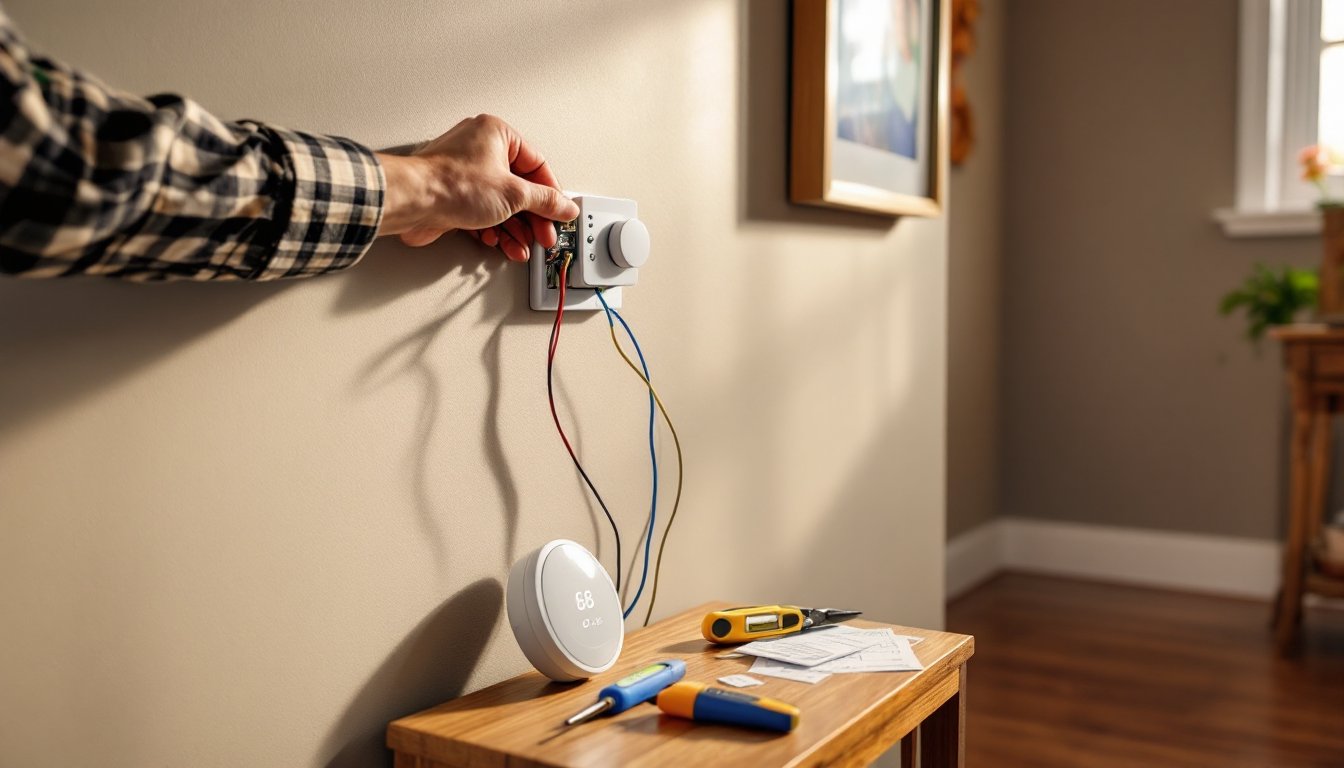
Smart doorbells have moved from luxury to standard home security in just a few years. If you’re shopping for a video doorbell that doesn’t lock you into a monthly subscription and works with your existing doorbell wiring, SkyBell deserves a closer look. This brand has carved out a niche among DIYers who want reliable motion alerts, HD video, and straightforward installation without the recurring fees that competitors charge. Whether you’re upgrading an old chime or installing from scratch, this guide walks you through everything you need to know about SkyBell models, features, installation steps, and how the system stacks up in 2026.
Table of Contents
ToggleKey Takeaways
- SkyBell doorbell camera stands out as a subscription-optional video doorbell that delivers 1080p HD video, motion detection, and two-way audio without mandatory monthly fees—a rare advantage in 2026.
- The SkyBell doorbell camera requires existing 16-24V AC hardwired doorbell infrastructure, making it ideal for homes with established wiring but unsuitable for battery-powered or non-wired setups.
- Color night vision and a 180-degree wide-angle lens enable better identification of visitors, packages, and clothing details compared to infrared competitors.
- Most DIY installations take 20-30 minutes using basic tools, with no hub or base station required—the doorbell connects directly to your Wi-Fi router for instant app notifications and live viewing.
- SkyBell integrates with Alexa and Google Assistant but lacks HomeKit support and advanced AI features like package detection, making it best for straightforward monitoring rather than complex smart home ecosystems.
- At $100-$180 depending on the model, SkyBell offers solid upfront value for homeowners seeking reliable motion alerts and visitor communication without recurring subscription costs.
What Is the SkyBell Doorbell Camera?
SkyBell is a video doorbell system that replaces your existing doorbell button with a camera-equipped unit. It connects to your home’s 16-24V AC doorbell transformer and communicates over Wi-Fi to send live video, motion alerts, and two-way audio to your smartphone.
Unlike some competitors, SkyBell doesn’t require a hub or base station, the doorbell connects directly to your router. The system stores motion-triggered video clips in the cloud, and most core features work without a subscription. You get 1080p HD video, color night vision, and on-demand viewing through the SkyBell app on iOS or Android.
SkyBell works with most mechanical and digital chimes rated for the correct voltage. If you don’t have existing doorbell wiring, you’ll need to either run new low-voltage wire from a transformer or consider a battery-powered alternative from another brand, SkyBell models are hardwired only.
The company positions itself as a straightforward, no-frills option for homeowners who want reliable functionality without the monthly fees that have become standard in the smart home security space.
Key Features That Set SkyBell Apart
No Mandatory Subscription
SkyBell’s biggest differentiator is its subscription-optional model. Core features, live view, motion detection, two-way talk, and limited cloud storage, work out of the box. Paid plans add extended video history and advanced zones, but you won’t lose basic functionality if you skip them.
Color Night Vision
Most video doorbells switch to black-and-white infrared at night. SkyBell uses ambient light and image processing to deliver color video in low light, which helps identify clothing, vehicle colors, or package details that IR washes out.
Motion Zones and Alerts
You can draw custom zones in the app to focus alerts on your porch or walkway and ignore street traffic. Sensitivity adjusts from low to high, reducing false triggers from passing cars or tree shadows. The doorbell sends push notifications within a few seconds of detecting motion.
Two-Way Audio with Noise Cancellation
Built-in microphone and speaker let you talk to visitors or delivery drivers in real time. Noise cancellation filters out background hum and wind, though audio quality depends on your Wi-Fi strength and the visitor’s distance from the unit.
Wide-Angle Lens (180° Horizontal)
The fisheye lens captures head-to-toe footage of anyone at the door and a wide view of your porch. Some users find the distortion at the edges distracting, but it beats a narrow field of view that cuts off packages or faces.
Weather Resistance (IP65 Rating)
SkyBell units are rated for rain, snow, and temperatures from -40°F to 120°F. If your doorbell faces direct sun in a hot climate or freezing temps in winter, confirm your transformer output stays within spec, extreme temperatures can affect battery backup (if your model includes it) and wireless performance.
SkyBell Models Compared: Which One Is Right for Your Home?
SkyBell has streamlined its lineup as of 2026, focusing on two primary models. Older models like the SkyBell HD may still be available as refurbs or open-box, but support and firmware updates are winding down.
SkyBell Doorbell Camera (Standard Model)
This is the entry-level hardwired unit. It delivers 1080p video, color night vision, and motion zones through the app. Works with most mechanical and digital chimes. Best for straightforward installations where you already have 16-24V wiring in place. Price typically hovers around $100-$130 depending on retailer promotions.
SkyBell Trim Plus
The Plus adds a built-in rechargeable battery backup so the doorbell continues operating during brief power outages or transformer failures. It also includes a wider mounting bracket that covers paint lines or holes from oversized old doorbells. The battery isn’t a substitute for wired power, it’s a failsafe that holds a charge for a few days of standby use. Expect to pay $150-$180.
Choosing Between Them
If your home has stable power and you don’t mind a few minutes of downtime during electrical work, the standard model is plenty. If you live in an area with frequent outages or you’re replacing a large old doorbell and don’t want to repaint, the Trim Plus justifies the extra cost.
Both models require the same 16-24V AC transformer. If your existing doorbell is battery-powered or you don’t have a transformer, you’ll need to install one, this is low-voltage work, but if you’re not comfortable with household wiring, hire a licensed electrician. Some jurisdictions consider adding a transformer a permit-required alteration.
How to Install Your SkyBell Doorbell Camera (DIY Steps)
Safety First: Turn off power at the breaker before touching any doorbell wiring. Low-voltage systems won’t shock you badly, but shorts can damage your transformer or chime. Wear safety glasses when drilling.
Tools You’ll Need
- Phillips screwdriver
- Flathead screwdriver (for wire terminals)
- Drill with masonry or wood bit (if mounting holes don’t align)
- Wire stripper
- Voltage tester (optional but recommended)
- Level
Step-by-Step Installation
-
Verify Transformer Voltage: Locate your doorbell transformer, usually in the basement, garage, or near your electrical panel. Check the label: it should read 16-24V AC. Use a multimeter if you’re unsure. SkyBell won’t function reliably below 16V.
-
Remove the Old Doorbell Button: Unscrew the faceplate and disconnect the two wires. Note which terminal each wire was on (though polarity doesn’t matter for most AC doorbells). Pull a few extra inches of wire through the hole if possible, this gives you slack for easy connections.
-
Attach the Mounting Bracket: SkyBell includes a mounting plate with screw holes. Hold it level against the wall and mark your drill points. If mounting on stucco, brick, or fiber cement, use the appropriate masonry bit and anchors (included). Wood siding or trim can take wood screws directly. Drill pilot holes to prevent splitting.
-
Connect the Wires: Strip about 1/4 inch of insulation from each wire if needed. Attach wires to the two terminal screws on the back of the SkyBell unit, order doesn’t matter. Tighten screws firmly: loose connections cause intermittent power and dropped Wi-Fi.
-
Snap the Doorbell Onto the Bracket: Align the unit with the mounting plate and press until it clicks. Some models use a bottom security screw, install it with the included hex key to deter theft.
-
Restore Power and Test the Chime: Flip the breaker back on. Press the SkyBell button and confirm your chime rings. If it doesn’t, double-check wire connections and transformer voltage. If your chime hums or buzzes, you may need to install the included chime adapter (a small resistor module) inside your chime box, this prevents back-feed current from causing noise.
-
Check LED Indicator: The SkyBell’s LED ring will pulse or glow (behavior varies by model) to show it’s powered and ready for app pairing.
Typical install time is 20-30 minutes for a straightforward swap. If you’re running new wire or installing a transformer, add an hour or two depending on access.
SkyBell App Setup and Smart Home Integration
Initial Pairing
Download the SkyBell HD app (iOS or Android). Create an account, then tap “Add Device.” The app will prompt you to connect to the doorbell’s temporary Wi-Fi hotspot, look for a network name starting with “SkyBell” in your phone’s Wi-Fi settings. Once connected, enter your home Wi-Fi credentials (2.4 GHz only: SkyBell doesn’t support 5 GHz networks). The doorbell will reboot and connect to your router within a minute.
Adjusting Motion Zones and Sensitivity
In the app, go to Settings > Motion Detection. Draw a box around the area you want monitored, typically your porch and walkway. Exclude sidewalks, streets, or neighboring yards to cut false alerts. Slide sensitivity to Medium as a starting point, then adjust based on the number of notifications you receive.
Video Storage and History
Free accounts get seven days of cloud storage for motion-triggered clips, with a cap on total clips per month. Paid plans ($3-5/month depending on sales) extend history to 60 or 90 days and remove monthly limits. Video is stored on SkyBell’s servers, there’s no local SD card slot.
Smart Home Integration
SkyBell works with Amazon Alexa and Google Assistant for voice commands and smart display integration. You can say “Alexa, show me the front door” to view live video on an Echo Show or Fire TV.
As of 2026, many users interested in home automation reviews have noted that SkyBell’s integration isn’t as deep as Ring or Nest, no native HomeKit support, and IFTTT applets are limited. If you’re running a complex smart home with scenes and automations, SkyBell may feel like a standalone device rather than a hub component.
Notification Settings
Toggle between doorbell press alerts, motion alerts, or both. You can schedule Do Not Disturb hours to silence notifications overnight. Shared access lets family members view live video and receive alerts on their own phones.
Pros and Cons: Is SkyBell Worth It in 2026?
Pros
- No mandatory subscription: Core features work without monthly fees, a rarity among video doorbells in 2026.
- Color night vision: Provides better detail than monochrome IR, especially for identifying clothing or vehicles.
- Hardwired reliability: No battery charging hassles or dead units mid-winter.
- Wide field of view: 180° lens captures packages, visitors, and porch activity without blind spots.
- Straightforward installation: Most DIYers with basic tools can swap an old doorbell in under 30 minutes.
Cons
- 2.4 GHz Wi-Fi only: If your router auto-switches bands or you’ve disabled 2.4 GHz for security, you’ll need to re-enable it.
- Limited smart home integration: Works with Alexa and Google, but no HomeKit, SmartThings native support, or advanced automation triggers.
- Cloud-only storage: No local recording option: if SkyBell’s servers go down or your subscription lapses, you lose access to historical clips.
- Requires existing doorbell wiring: No battery option means you’ll need a transformer and low-voltage wire run if your home isn’t already equipped.
- Smaller ecosystem: Fewer accessories and third-party integrations than Ring or Nest.
Homeowners comparing product reviews for home appliances often weigh SkyBell against Ring Video Doorbell or Google Nest Hello. SkyBell wins on upfront cost and no-subscription operation, but loses on ecosystem depth and advanced AI features like package detection or familiar face recognition.
For straightforward monitoring, see who’s at the door, talk to delivery drivers, check motion alerts, SkyBell delivers solid value. If you want a doorbell that integrates tightly with other smart devices or you need professional-grade cloud features, you may outgrow it.
Real-World Performance Notes
Response time from button press to phone notification typically runs 2-4 seconds on a strong Wi-Fi signal. Video quality is sharp in daylight: night video is usable but not as crisp as Ring’s newer models. Two-way audio works well for quick exchanges but expect a slight delay, don’t rely on it for real-time conversations.
Installation issues usually trace back to low transformer voltage or weak Wi-Fi at the door. If your router is on the opposite end of the house, consider a Wi-Fi extender or mesh node near the entry.
Conclusion
SkyBell offers a practical, budget-friendly entry into smart doorbell territory for homeowners who already have doorbell wiring and want to avoid ongoing subscription fees. Installation is straightforward for most DIYers, and the color night vision and wide field of view deliver dependable monitoring. It won’t integrate as deeply into whole-home automation as pricier competitors, but for monitoring visitors, talking to delivery drivers, and catching porch activity, it gets the job done without nickel-and-diming you every month.