Smart home devices used to be a novelty, quirky gadgets that impressed guests but didn’t really talk to each other. In 2026, that’s changed. A smart home hub is now the backbone of a properly automated house, and the Alloy Smart Home Hub has positioned itself as a serious contender for homeowners who want centralized control without a tech degree. It promises universal compatibility, straightforward setup, and a single interface to manage everything from lights to locks. But does it deliver, or is it just another overpriced dashboard? This guide breaks down what Alloy offers, how it stacks up against the competition, and whether it’s the right fit for your home.
Table of Contents
ToggleKey Takeaways
- The Alloy Smart Home Hub supports multiple protocols (Zigbee, Z-Wave, Wi-Fi, Thread, Matter) and over 5,000 certified devices, making it ideal for homes with mixed-brand or legacy smart devices.
- Setup takes 20-30 minutes and doesn’t require technical expertise—position the hub centrally, connect power and network, download the app, pair devices, and build a mesh network for optimal performance.
- Local processing ensures your Alloy Smart Home Hub maintains core functionality (lights, locks, automations) even during internet outages, prioritizing security and reliability over cloud dependency.
- At $179-$199 with no mandatory subscription, the Alloy hub offers a cost-effective alternative to managing multiple single-brand ecosystems and separate apps.
- The intuitive card-based app interface, geofencing support, and scene automation make centralized smart home control straightforward for homeowners frustrated by juggling multiple platforms.
What Is the Alloy Smart Home Hub?
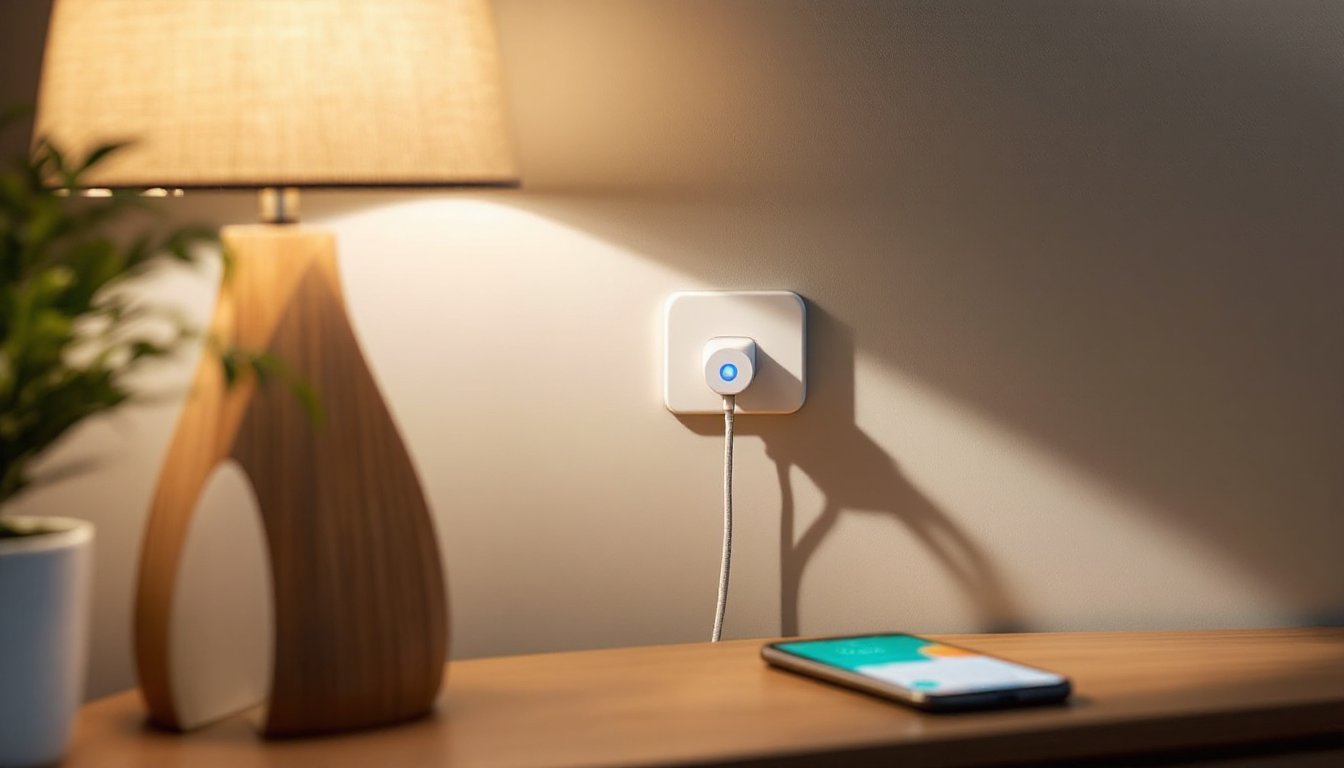
The Alloy Smart Home Hub is a central controller designed to connect and manage smart devices across different brands and communication protocols. Think of it as the translator and traffic cop for your connected home, it bridges devices that wouldn’t normally work together and gives you one place to control them all.
Unlike brand-specific hubs (like those from Amazon or Google), Alloy is protocol-agnostic. It supports Zigbee, Z-Wave, Wi-Fi, Thread, and Matter, which means it can communicate with the vast majority of smart home products on the market. The hub itself is a compact 4.5-inch square unit that connects to your router via Ethernet or Wi-Fi and communicates wirelessly with your devices.
Alloy targets homeowners who’ve accumulated devices from different ecosystems and are tired of juggling multiple apps. It’s particularly useful if you have older Zigbee or Z-Wave devices that newer platforms have abandoned. According to recent home technology analysis, multi-protocol hubs are becoming essential as the smart home market fragments further.
The hub comes with a companion app (iOS and Android) and optional voice control through Alexa, Google Assistant, or Apple HomeKit. It doesn’t lock you into a subscription model, full functionality is included with purchase, though Alloy offers an optional premium tier for advanced automation rules and cloud storage for cameras.
Key Features That Set Alloy Apart
Universal Device Compatibility
Alloy’s biggest selling point is its wide compatibility net. The hub supports over 5,000 certified devices as of early 2026, including legacy Zigbee 3.0 and Z-Wave Plus products that other platforms have dropped. This matters if you invested in smart switches or sensors five years ago and don’t want to replace functional hardware.
The Matter protocol support is native, not bolted on through updates. Matter is the new industry standard designed to make devices work across ecosystems, and Alloy was built with it in mind. If you’re buying new devices in 2026, Matter compatibility should be near the top of your checklist, Alloy handles it cleanly.
For homes integrating IoT connectivity, the hub also includes Bluetooth mesh for peripherals like smart locks and sensors that don’t need constant Wi-Fi. This reduces network congestion and extends battery life on wireless devices.
One limitation: the hub doesn’t natively support proprietary systems like Lutron’s Clear Connect or older Insteon devices. You’ll need a bridge or adapter for those, which adds cost and complexity.
Intuitive Control Interface
Alloy’s app is cleanly designed, with a dashboard that groups devices by room or function. You’re not hunting through nested menus to turn off the basement lights. The interface uses a card-based layout: tap a room card to expand controls, long-press to set scenes, swipe to access device settings.
Scene creation is straightforward. You can bundle multiple actions (lights dim, thermostat drops 2°, locks engage) into a single tap or schedule. The app supports geofencing (actions triggered when you leave or arrive home) and conditional logic (if motion detected at night, then turn on hallway lights at 20% brightness).
Voice control works as expected, but there’s a catch: response time depends on whether commands are processed locally or routed through the cloud. Simple on/off commands execute locally with minimal lag. Complex routines that involve third-party services (like “turn on lights and start Spotify playlist”) take a beat longer.
Many users managing smart home integration appreciate the web-based dashboard option, which runs on any browser. That’s useful if you’re managing settings from a laptop or setting up automation rules with more screen real estate.
For households prioritizing smart home security, Alloy uses local processing for core functions, meaning your lights and locks will still respond during an internet outage. Most competing hubs lose functionality when the cloud connection drops.
Setting Up Your Alloy Hub: A Step-by-Step Installation Guide
Setup takes about 20-30 minutes if you’re starting fresh, longer if you’re migrating devices from another platform. You’ll need your router nearby and access to the Wi-Fi credentials for 2.4 GHz and 5 GHz bands (Alloy uses both depending on device needs).
Tools and materials you’ll need:
- Alloy Smart Home Hub (included: power adapter, Ethernet cable)
- Smartphone with the Alloy app installed (free download)
- Active Wi-Fi network with router access
- Any smart devices you plan to connect (have their reset procedures handy)
Step-by-step installation:
-
Position the hub centrally. Place it within 30 feet of your router and avoid metal enclosures, thick walls, or basements if possible. Wireless range for Zigbee and Z-Wave is typically 50-100 feet indoors, but obstacles degrade signal.
-
Connect power and network. Plug in the power adapter. Connect the Ethernet cable from the hub to an open router port (wired connection is more stable than Wi-Fi, especially for automations). The hub’s LED will flash amber during startup.
-
Download the app and create an account. Install the Alloy app from the App Store or Google Play. Create an account using your email. Enable two-factor authentication, according to security experts, smart home hubs are common targets for network intrusions.
-
Pair the hub to your account. Open the app and tap “Add Hub.” Scan the QR code on the bottom of the unit or manually enter the serial number. The app will detect the hub on your network and complete pairing. LED will turn solid green when ready.
-
Add devices one at a time. Start with devices closest to the hub. In the app, tap “Add Device,” select the device type (light, switch, lock, sensor), and choose the protocol (the app auto-detects in most cases). Put the device into pairing mode, usually a button press or power cycle. The hub will discover it within 10-20 seconds. Name the device and assign it to a room.
-
Build a mesh network for Zigbee and Z-Wave. These protocols use mesh topology, meaning devices relay signals to extend range. Add powered devices (switches, plugs) before battery devices (sensors, remotes). Each powered device strengthens the mesh.
-
Test automations and scenes. Create a simple scene (like “Good Night” to lock doors and turn off lights) and trigger it manually to confirm devices respond. Check that geofencing works by walking outside your set radius with your phone.
Common setup issues:
- Device won’t pair: Ensure it’s within range and in pairing mode. Some devices need a factory reset before they’ll join a new hub.
- Slow response times: Check your router’s 2.4 GHz band isn’t congested. Microwaves, baby monitors, and neighboring Wi-Fi networks all interfere.
- Automations don’t trigger: Verify the app has location permissions enabled and background refresh allowed.
If you’re transitioning from another hub, you’ll need to unpair devices from the old system first. This can be tedious with large setups, budget extra time.
Is the Alloy Smart Home Hub Worth It for Your Home?
The Alloy hub makes the most sense in three scenarios: you have a mix of older and newer devices, you’re frustrated by multiple apps, or you want local control that doesn’t rely on cloud services.
Cost considerations:
The hub retails for $179-$199 depending on sales and bundles. There’s no monthly fee for standard features, which is refreshing in an era of subscription creep. The optional premium plan ($4.99/month) adds advanced scheduling, extended device history, and camera cloud storage for up to five cameras. Most users won’t need it.
Compare that to building separate ecosystems: a SmartThings hub ($70-$90) plus a Zigbee bridge ($50) plus a Z-Wave adapter ($40) quickly adds up, and you’re still managing multiple interfaces. For homes exploring smart home accessibility features, the unified control can be genuinely helpful for users with mobility limitations.
Performance in real-world use:
Response times for locally processed commands are snappy, under 200 milliseconds for lights and switches. Cloud-dependent routines (weather-triggered actions, IFTTT integrations) add latency but remain functional. The mesh network handles up to 150 devices officially, though user reports suggest performance degrades above 100 without adding repeaters.
Reliability is solid. The hub uses local storage for automation rules, so a power cycle or internet outage doesn’t wipe your settings. Firmware updates are automatic but can be scheduled for low-traffic times.
Who should skip it:
If your entire smart home is within one ecosystem (all Alexa devices, all HomeKit, etc.) and working fine, Alloy is overkill. Stick with your existing setup. Renters or those in smaller living spaces with fewer than a dozen devices might find a simpler, single-protocol hub sufficient.
Alloy also isn’t the right call if you need tight integration with high-end lighting systems (Lutron Homeworks, Crestron) or specialized AV equipment, those require dedicated controllers and professional installation.
The verdict:
For the typical homeowner juggling devices from different brands and eras, Alloy offers a practical middle ground between DIY simplicity and whole-home control. It won’t match the polish of professionally installed systems, but it gets you 90% of the functionality at a fraction of the cost. The no-subscription model and local processing are genuine advantages, especially as AI-driven automation becomes more common and homeowners want control over their data.
Conclusion
The Alloy Smart Home Hub isn’t flashy, and it won’t make your house feel like a sci-fi movie set. What it does do is solve the frustrating fragmentation problem that’s plagued smart homes for years. If you’re tired of app-hopping or want to breathe new life into older devices, it’s a solid investment. Just remember: the hub is only as good as your network and device placement. Take the time to position it correctly, build a strong mesh, and test your automations. Done right, you’ll have a system that quietly handles the grunt work while you focus on actually living in your home.